


As a provider of 4K OPS (Open Pluggable Specification) Computers for Touch Panels, I'm often asked about the CPU temperature of these devices during normal operation. Understanding the CPU temperature is crucial as it directly impacts the performance, stability, and lifespan of the computer. In this blog, I'll delve into the factors that influence the CPU temperature of a 4K OPS Computer for Touch Panel and provide insights into what you can expect during normal use.
Factors Affecting CPU Temperature
1. CPU Model and Performance
The model of the CPU installed in the 4K OPS Computer plays a significant role in determining its temperature. High - performance CPUs designed to handle 4K graphics and multitasking often generate more heat. These CPUs have a larger number of cores and higher clock speeds, which lead to increased processing power but also result in greater heat dissipation. For instance, CPUs with multiple cores working in parallel to render high - resolution 4K content can experience significant heat buildup.
2. Workload
The workload placed on the 4K OPS Computer is another key factor. During normal operation, simple tasks like displaying static 4K images or running basic touch - screen applications may not put a heavy load on the CPU, resulting in relatively lower temperatures. However, more demanding tasks such as streaming live 4K video, performing real - time video editing, or running complex touch - based interactive software can cause the CPU to work harder and generate more heat.
3. Cooling System
The efficiency of the cooling system in the 4K OPS Computer is vital for maintaining optimal CPU temperatures. Most 4K OPS Computers are equipped with heat sinks, fans, or a combination of both. A well - designed heat sink can effectively transfer heat away from the CPU, while a properly functioning fan can blow the hot air out of the system. If the cooling system is not adequate or becomes clogged with dust over time, the CPU temperature can rise significantly.
4. Ambient Temperature
The temperature of the environment in which the 4K OPS Computer is operating also affects the CPU temperature. In a hot room, the computer has to work harder to dissipate heat, which can lead to higher CPU temperatures. Conversely, in a cool environment, the heat transfer process is more efficient, and the CPU can operate at lower temperatures.
Typical CPU Temperature Ranges
Under normal operation, the CPU temperature of a 4K OPS Computer for Touch Panel can vary depending on the factors mentioned above. Generally, for idle tasks (such as displaying a static 4K menu), the CPU temperature can range from 30°C to 40°C. When the computer is performing moderate tasks like streaming 4K video, the temperature may increase to 50°C - 60°C.
For more intensive tasks, such as running real - time 4K video editing software or engaging in multi - user touch - based interactions, the CPU temperature can reach 70°C - 80°C. However, it's important to note that modern CPUs are designed to handle these temperatures without significant issues, as long as they don't exceed the maximum operating temperature specified by the manufacturer.
Exceeding the maximum temperature can cause the CPU to throttle, which means it reduces its performance to prevent overheating. Prolonged exposure to high temperatures can also damage the CPU and other components over time.
Monitoring and Maintaining CPU Temperature
To ensure the 4K OPS Computer operates at optimal temperatures, it's essential to monitor the CPU temperature regularly. Most operating systems provide built - in tools for monitoring system temperatures, or you can use third - party software.
Regular maintenance of the cooling system is also crucial. This includes cleaning the fans and heat sinks to remove dust and debris, which can impede the flow of air and reduce the cooling efficiency. Additionally, ensuring proper ventilation around the computer can help keep the ambient temperature down and facilitate better heat dissipation.
Related Products
If you're looking to enhance the performance of your 4K OPS Computer for Touch Panel, we offer a range of related products. For example, the AOS 1U PCIe X8 to X16 90° Forward Riser Card can provide additional expansion capabilities, allowing you to connect more devices and improve the overall functionality of your system.
The mini pc win 10 is a compact and powerful option for those who need a reliable computing solution with Windows 10 operating system. It can be integrated seamlessly with your touch - panel setup.
And the VGA HDMI 4K Vybone OPS OPS - C Conversion Board is ideal for converting different video signals, ensuring compatibility between your 4K OPS Computer and various display devices.
Conclusion
The CPU temperature of a 4K OPS Computer for Touch Panel during normal operation is influenced by multiple factors, including the CPU model, workload, cooling system, and ambient temperature. By understanding these factors and taking appropriate measures to monitor and maintain the temperature, you can ensure the optimal performance and longevity of your 4K OPS Computer.

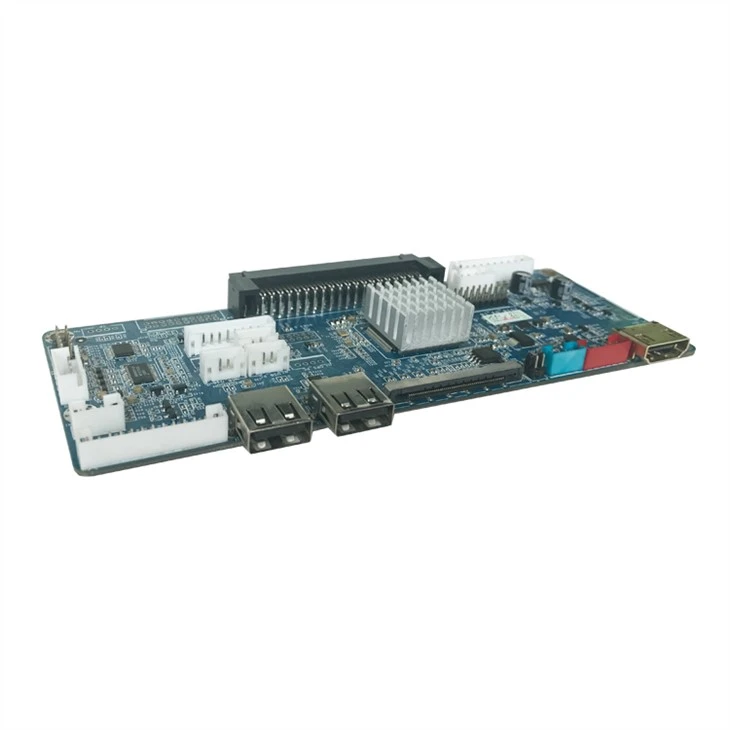
If you're interested in purchasing a 4K OPS Computer for Touch Panel or any of our related products, we welcome you to contact us to discuss your specific requirements. Our team of experts is ready to provide you with detailed information and support to help you make the best decision for your needs.
References
- Intel Corporation. (20XX). CPU Thermal Guidelines.
- AMD. (20XX). Processor Thermal and Power Management.




